
Room plan
Draw walls in millimetres, add windows and doors. Dimensions update as you go.
Draw the room, place a wardrobe or a kitchen, pick the decors — and EasyCarpenter works out the panels, edge banding, hardware and material cost for you.

One program instead of paper, a calculator and three spreadsheets.
Draw walls in millimetres, add windows and doors. Dimensions update as you go.
Modules, top boxes, hinged or sliding doors, handles or push-to-open. Change a dimension and the construction recalculates itself.
You draw kitchen cabinets exactly like a wardrobe — the same simple way of working.
Boards, fronts, floors and walls from the material library. See the result in 3D instantly.
Walk around the room like your client and show them the design before the first panel is cut.
Parts with dimensions, metres of edge banding, sheets and hardware. Export the list to CSV and the sheet layout to PDF.
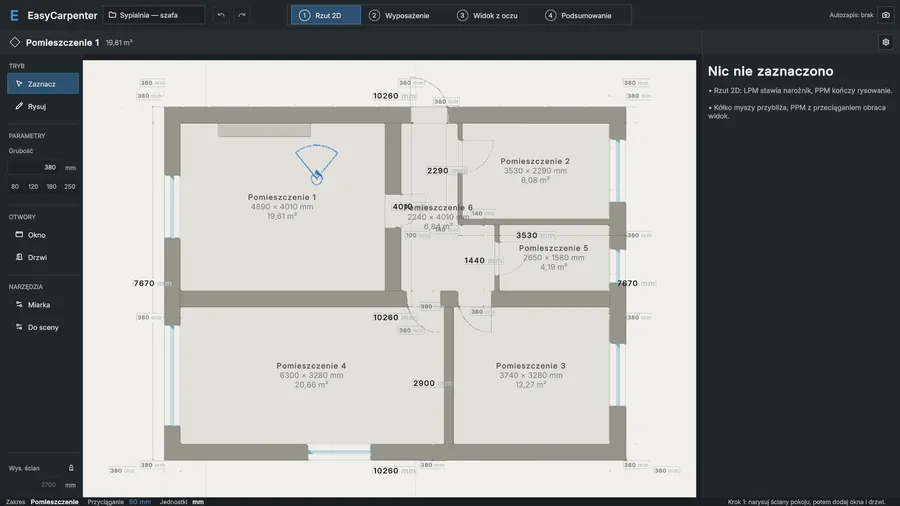
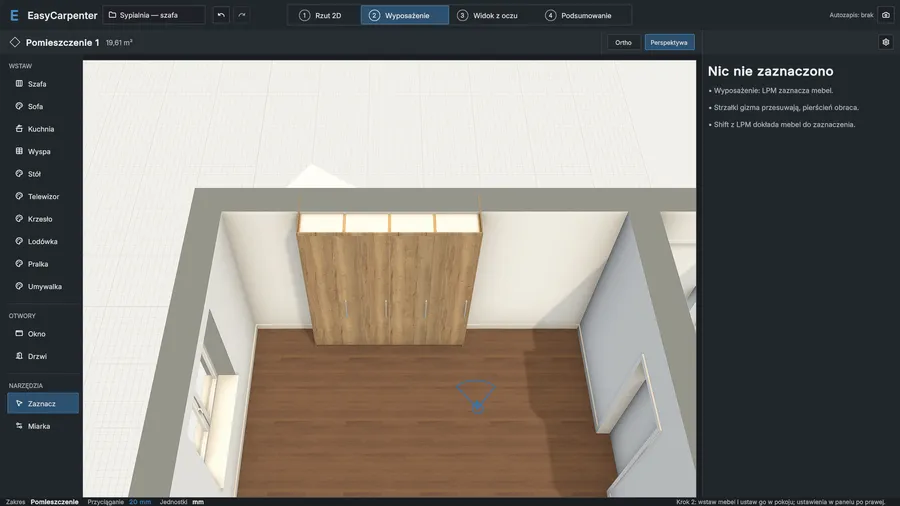
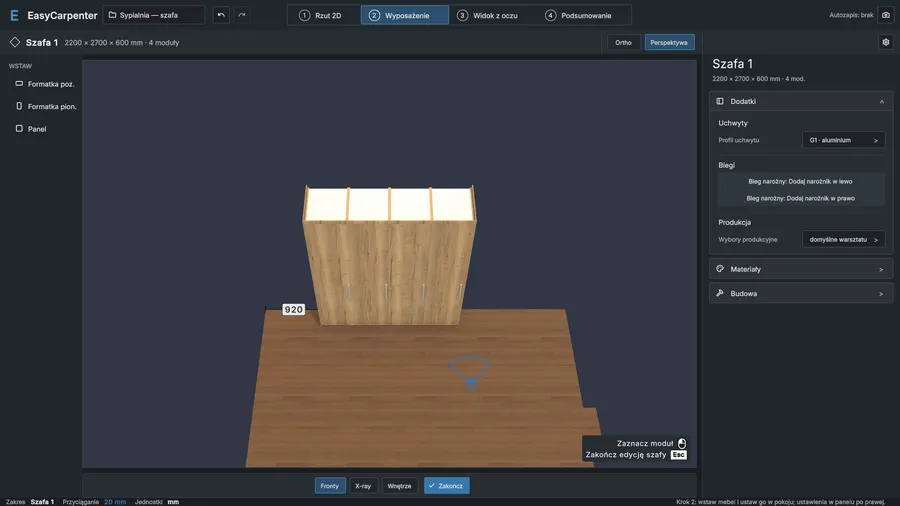
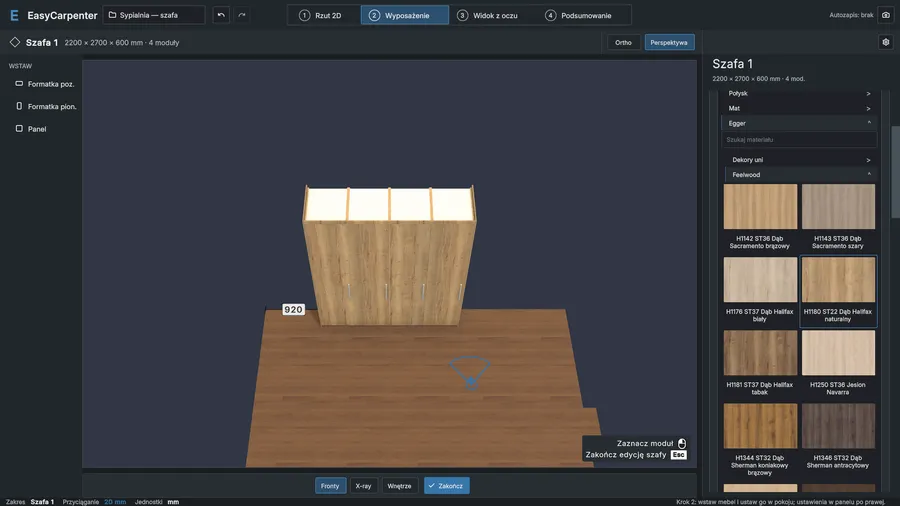
Walls, windows and doors from your measurements — in a few minutes.
Wardrobe or kitchen, modules, fronts, decors. The program enforces the joinery rules for you.
A clear view for the client, a cutting list for the workshop and the material cost at your prices.
The program totals boards in m², edge banding in running metres, accessories and sheets. Enter your prices — get the net and gross amount.
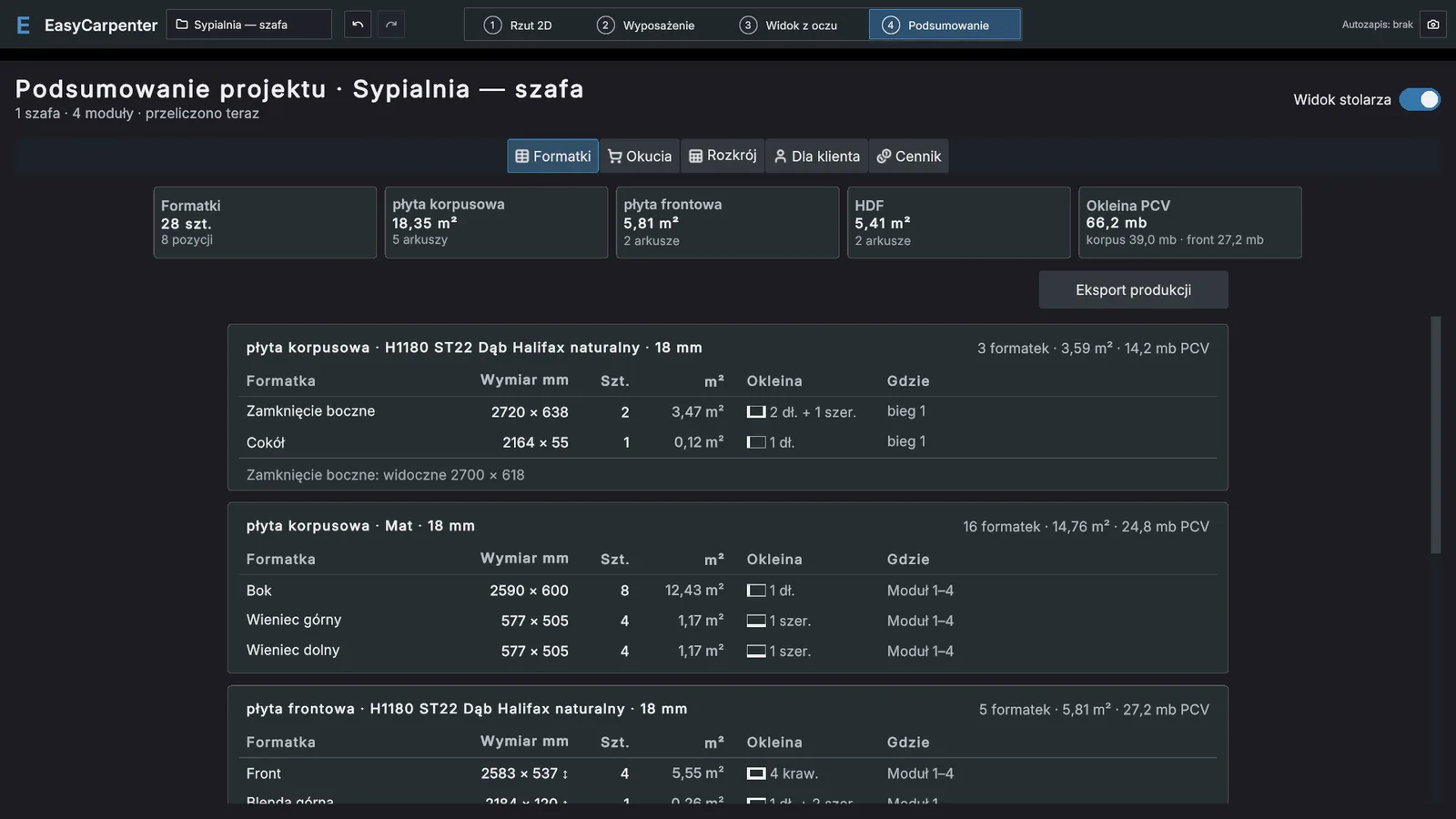
Less calculating on paper, fewer mistakes when ordering boards.
Design and quote while still meeting the client.
Sensible defaults and step-by-step guidance.
During testing the program is completely free. After that, every new user gets 3 weeks free, followed by a monthly or yearly subscription. You only enter a card when you decide to stay.
Windows 10 or 11 (64-bit). A typical computer from the last few years is enough for 3D work.
To create an account and download updates — yes. After that the program also works for several days offline.
One account works on two computers — for example in the workshop and at home.
In your account, on a server in the European Union, with a copy on your computer.
Write to kontakt@easycarpenter.com. During testing we read every message personally.
Download the program, create an account and see how much time you save on a single job.
Download for freeWindows 10 / 11 · no credit card